Find profiles to review.
Set LinkedIn search criteria and examine profiles found. Check fit for the role yourself before contacting anyone.
- Search criteria you can adjust.
- No assumption about a candidate’s availability or interest.
For recruiters and headhunters
Find relevant profiles, prepare a personalized approach and keep exchanges visible through the next step.
Search and messaging remain under your control.
For recruiters and headhunters
The sourcing challenge
LinkedIn research and outreach take time. The context of a profile matters more than a promised message volume.
Search results still need human review.
Generic outreach offers little reason to reply.
Conversation history quickly becomes scattered.
The Reakly workflow
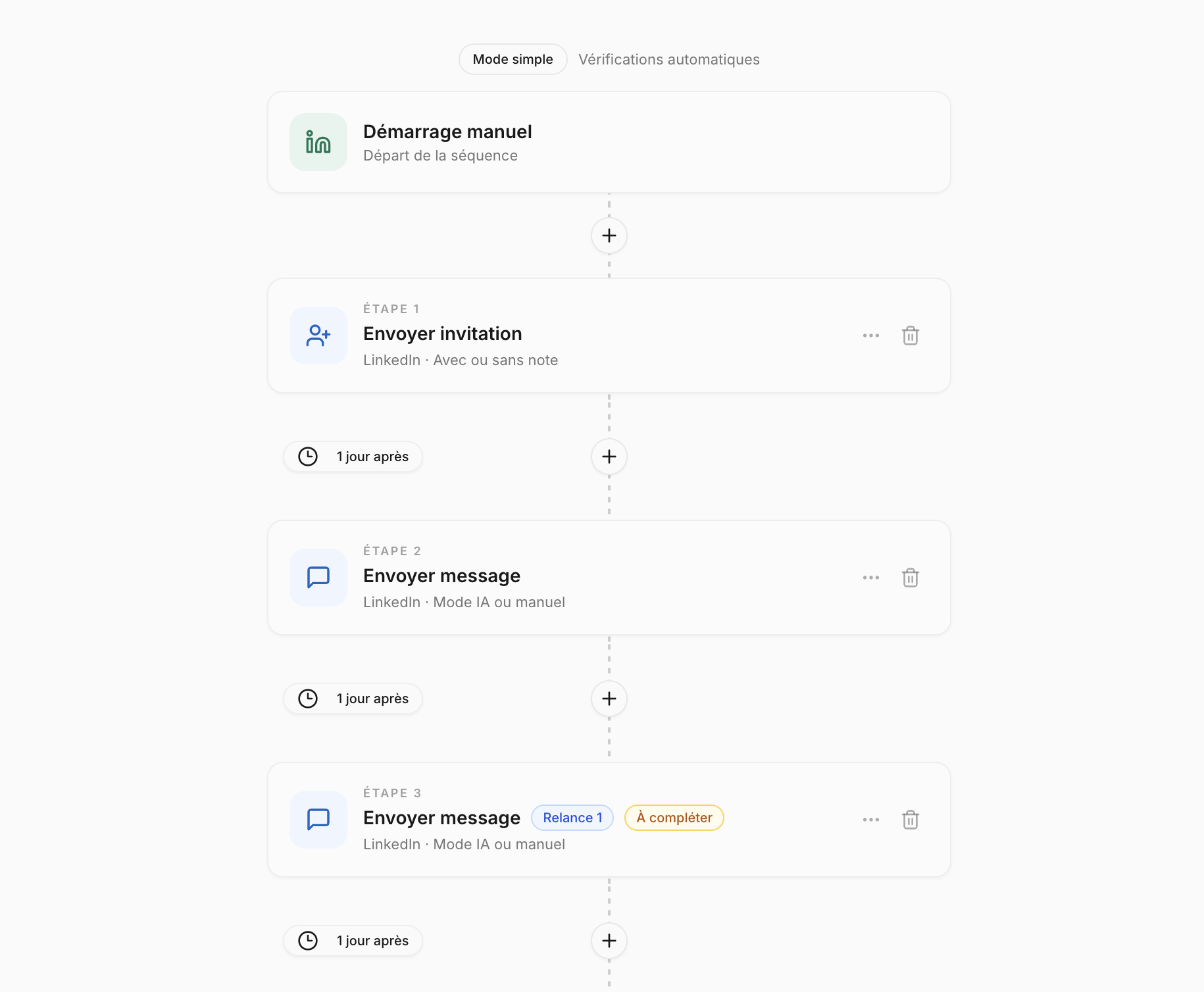
Use search and campaign features to structure outreach, then return to replies with their context.
Set LinkedIn search criteria and examine profiles found. Check fit for the role yourself before contacting anyone.
Prepare a message based on what you know about the profile and role. Review it and choose the follow-up steps.

Inbox gathers replies from connected accounts and helps you find the conversation thread before your next action.
You stay in control
Reakly helps with research and conversation follow-up. Skills assessment, consent and managing the hiring process remain your responsibility.
Frequently asked questions
No. This page focuses on LinkedIn research, outreach and conversation follow-up in Reakly.
A LinkedIn profile or activity does not prove availability. Check a candidate’s interest directly in the conversation.
Yes. You can prepare and review approaches based on available context before launching a sequence.
See how to structure LinkedIn research and outreach in Reakly.
7-day free trial · Cancel anytime